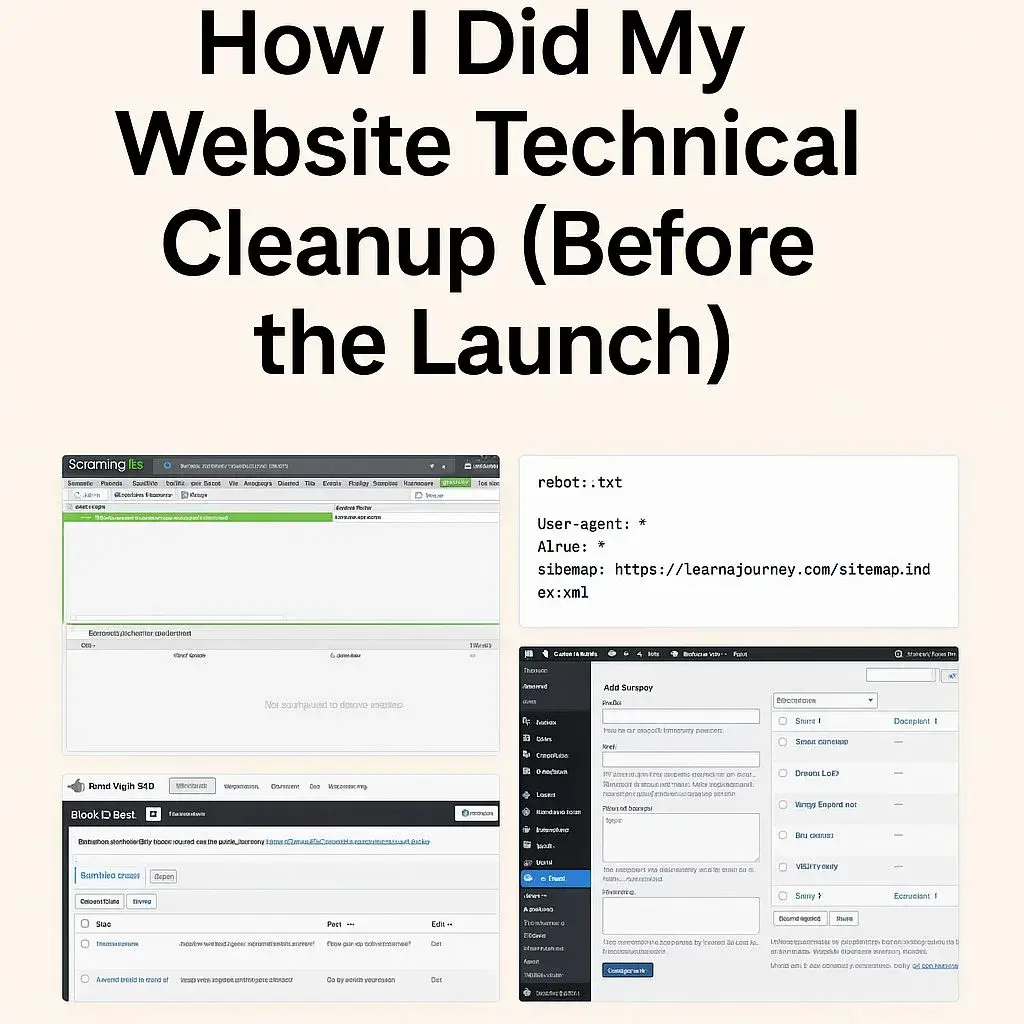
How I Did My Website Technical Cleanup Before Launch
This was the start of my website technical cleanup before launching.
Before a website looks clean and confident, there is always that one moment where you stop pretending everything is fine and actually look at the mess.
The digital version of cleaning an Airbnb you never stayed in.
That was Day 1.
This post documents how I did a real website technical cleanup before launch, using actual tools, real errors and decisions that make sense. Not theory. Not “best practices” copied from Twitter.
This was a technical SEO cleanup focused on structure, crawlability and fixing things before Google had opinions.
The tools I actually used, not the ones people pretend to use on LinkedIn
People love saying things like
“we optimized our digital ecosystem to enhance performance synergy”.
No.
I opened tools and fixed problems.
Here is what I actually used during this technical SEO cleanup.
Screaming Frog
Because nothing tells the truth faster than a crawler with zero empathy.
Rank Math SEO
Because my old plugin retired peacefully and stopped pretending it was modern.
WordPress with Astra and Spectra
Simple, stable and not dramatic.
Google Search Console
Because Google loves to guess, unless you tell it exactly what to do.
This was not a tool showcase. This was a website technical cleanup checklist in action.
1. What Screaming Frog actually told me, with real examples
Screaming Frog doesn’t sugarcoat anything. It just throws problems in your face.
During my crawl, it showed a clean looking but very real issue.
A 404.
One example from the crawl
https://learningseojourney.com/category/experiments-test/ → 404 Not Found
Screaming Frog also showed where the problem came from.
Found on
https://learningseojourney.com/behind-the-work/
Translation
You linked to something that does not exist. Fix it.
This is the core of any website technical cleanup. Find broken paths and stop users and crawlers from hitting walls.
How I fixed it
I checked my real categories and realized the correct one was:
/category/design-experiments/
So the fix was boring and effective.
I updated the internal link and pointed it to the correct category inside the Behind the Work page.
2. Cleaning 404 errors, the adult version of “picking up your toys”
A 404 means a URL no longer exists.
It is like calling a phone number that was disconnected years ago.
In SEO terms, it means wasted crawl budget and confused signals.
In normal human terms, it means a door that leads nowhere.
During this website cleanup before launch, my job was simple
remove doors that do not exist
or point people to the correct one
How I fixed mine
Step 1: Identify every 404 in Screaming Frog
Step 2: Decide if the URL should
be redirected
or permanently deleted
In my case:/category/experiments-test/ did not exist
but /category/design-experiments/did exist
So this was an obvious redirect.
If you want to see where all my SEO tests and experiments live now, they are organized under the SEOLearning category.
3. How I used Rank Math to create the redirect
Rank Math makes redirects boring, which is exactly what you want during a technical SEO cleanup. I created a simple 301 redirect.
Redirect setup I created:
Source URL:/category/experiments-test/
Destination URL:/category/design-experiments/
Type: 301 permanent
Status: Active
This tells Google:
“Hey, this URL moved. Go here instead.”
Google listens. People sometimes do not.
I also added a second optional redirect:
Source:/category/experiments-tests/
Destination:/category/design-experiments/
Same destination.
Just in case something was cached or bookmarked somewhere in the wild.
This is part of a responsible website technical cleanup checklist. Clean now so you do not debug ghosts later.
If you want the full context of why I changed plugins, this is documented here: Replacing AIOSEO with Rank Math.
4. How I checked robots.txt during my website technical cleanup
This took 20 seconds and saved future headaches.
Robots.txt is the small file that tells search engines what they are allowed to crawl.
If you want the whole sitemap and structure logic, I explain how I reorganized my Home layout here:How I Built My Home Page Structure.
I checked it directly by visiting
https://learningseojourney.com/robots.txt
This is what you want to see during a technical SEO cleanup
User-agent: *
Allow: /
Sitemap: https://learningseojourney.com/sitemap_index.xml
Meaning
“Google, feel free to crawl everything. Here’s the map. Behave.”
Mine was correct, No hidden disasters, no accidental blocks “Disallow: /” nightmares.
5. Fixing the sitemap like a responsible adult
Your sitemap is basically the menu Google uses to understand your site structure.
During my website technical cleanup, I verified that
- only real content was included
- old categories were removed
- no Spanish URLs survived
- no drafts or leftovers appeared
Screaming Frog helped confirm which URLs were indexable and which ones should not exist anymore.
If the sitemap lies, Google gets confused.
Confused Google does not reward anyone.
6. When Screaming Frog throws “Internal No Response”
This looks scary. It is not.
Example from my crawl:
/wp-content/uploads/.../uag-css-1000.css → 0 Connection Timeout
/astra/assets/css/minified/main.min.css → 0 Connection Timeout
Translation
the crawler was faster than the server response.
What it actually means
nothing is broken
users are not affected
SEO is not impacted
This is Screaming Frog being impatient.
I ignored it. Calmly.
7. Screaming Frog warnings during a technical SEO cleanup
During this website technical cleanup, Screaming Frog threw warnings related to CSS and JS files.
They were normal.
Theme related.
Not indexation issues.
If you want to understand how Screaming Frog reports these, here’s the official documentation: Screaming Frog Guide.
For robots rules validation, Google explains it here: Google Robots.txt Docs
8. What actually matters when doing a website technical cleanup
If you are doing a technical SEO cleanup before launch, focus on this.
- Delete pages you do not use
- Delete categories that no longer fit
- Fix every internal link that points nowhere
- Clean your sitemap
- Verify robots.txt
- Create 301 redirects for broken URLs
- Crawl again
- Ignore CSS and JS timeout warnings
- Do not overthink noise
Cleaning a website is not glamorous.
But doing it before launch saves hours of confusion later.
This website technical cleanup gave me a clean foundation to move into Day 2 and build content that actually represents my work.
Your website will thank you later.
Mini list of posts recent experiments
Here are a few recent experiments and tests that show how I apply these techniques in practice:
- Replacing AIOSEO with Rank Math: The Real Experience
Step-by-step guide on switching SEO plugins without breaking your site, improving performance, and keeping your SEO signals intact. - Internal Link Cleanup for Better Crawlability
Practical experiment on fixing broken internal links, optimizing anchor text, and ensuring Google indexes the pages that matter most. - Optimizing Image Sizes for WordPress Performance
How I fixed WebP issues, improved compression, and boosted PageSpeed using LiteSpeed + EWWW plugin.
Ready for Day 2?
If Day 1 was all about cleaning the mess, Day 2 is about building with intention.
Now that the technical chaos is under control, it’s time to build the content people will actually read.
👉 Read Day 2: Preparing the Website for Launch
A clean site is good.
A clean site with purpose is better.
Life is Great, Life is Well